Know How to Recover VBA Password with VBA Password Recovery ?
To get back your lost or forgotten VBA password, you need to follow step wise process mentioned below:
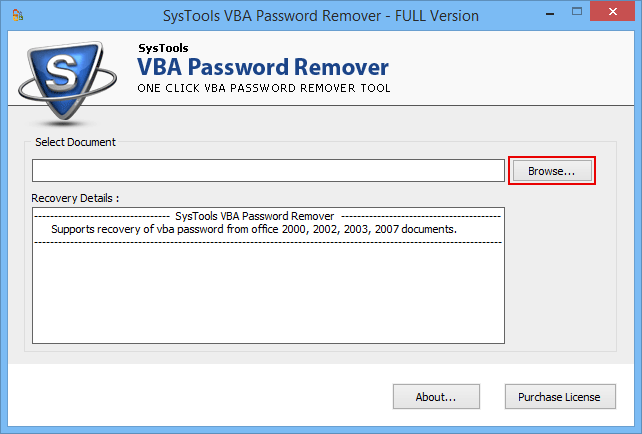
First, go to Start >> Programs >> SysTools VBA Password Remover, Open SysTools VBA Password Remover as follows
Next, select MS Office documents having VBA Projects (MS Excel, MS Word, MS Access, MS Outlook, and MS PowerPoint). Now, click Browse button to select the VBA project file as shown below

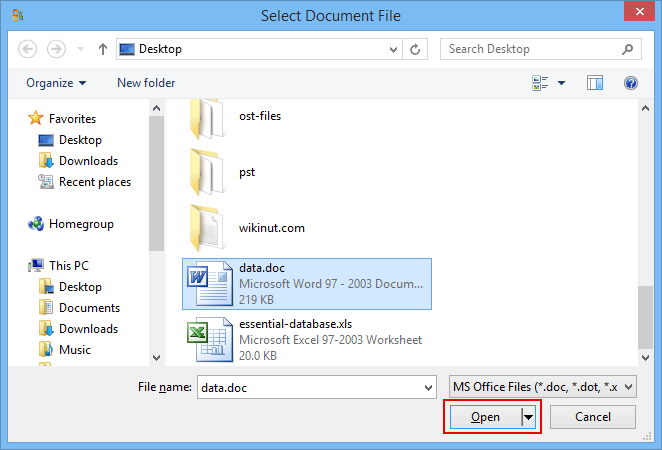
After you click on "Browse" button, software will show an Open as shown below. Browse and select the file having VBA Projects protected with password.
Now, choose the VBA Project Files and click Open button.

Please make sure you select Password Protected Access Database file.

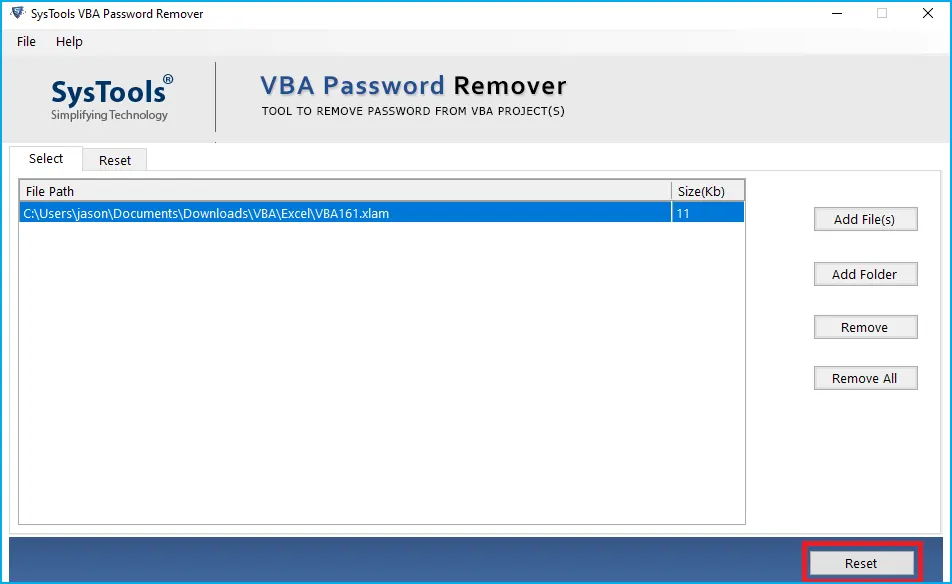
After choosing the Password Protected MS Office Files (MS Excel, MS PowerPoint, MS Access, MS Word & MS Outlook), VBA Password Recovery program will show the new password as shown below:
Invest n Full Licensed Version for FULL Password! To retrieve complete changed VBA password i.e. to see all the characters of the changed VBA password, you need to purchase tool in full licensed version of the SysTools VBA Password Remover.